
AI for Docs features
Research the web and write SEO-ready documents without switching tabs.
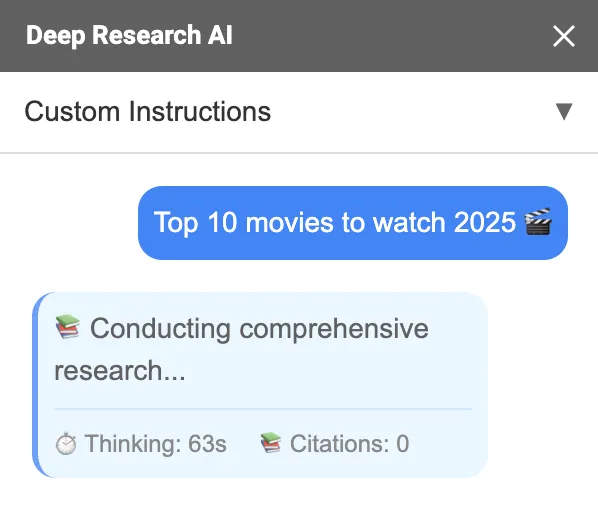
Deep web research
Ask a question and get a structured answer with citations.
SEO blog writing
Draft posts with clear sections, examples, and next steps.
Google Docs formatting
Insert content that already looks like a document.
Deep research with citations
AI for Docs can research a topic and provide sources so you can verify facts quickly.
- ✓One prompt to start research
- ✓Citations included in the output
- ✓Related questions to go deeper
SEO blog writing, end to end
Turn research into a full draft you can publish: outline, headings, body sections, and a conclusion that matches your voice.
- ✓Generate an outline first, then expand
- ✓Write for clarity and search intent
- ✓Paste-free workflow in Google Docs
Example prompts
- Write an SEO blog post about “<topic>” with an outline first.
- Turn this research into a publish-ready draft with headings and tables.
- Add a summary section and a checklist at the end.
Docs-ready formatting
AI for Docs formats output so it is easy to scan and edit.
- ✓Headings and subheadings
- ✓Bullet and numbered lists
- ✓Tables for comparisons and summaries